
How to Share Quiz Data with your Apps
Automatically Integrate with CRMs and more
In this article
How does it work?
Quiz Maker has power built in reporting and data analytics which allow you to export to filter and report, export to excel and much more. You may however wish to have your quiz respondents data
sent directly into your own CRM or application.
Quiz Maker can automatically export quiz results directly into thousands of applications. When a quiz is completed we encrypt and securely send the data to Zapier which in turn sends data to your
application. From within Zapier you can choose to export all results or set conditions to only send results which fit criteria for a lead, grade or other conditions. Alternatively you can
integrate directly using our API.
What software is supported?
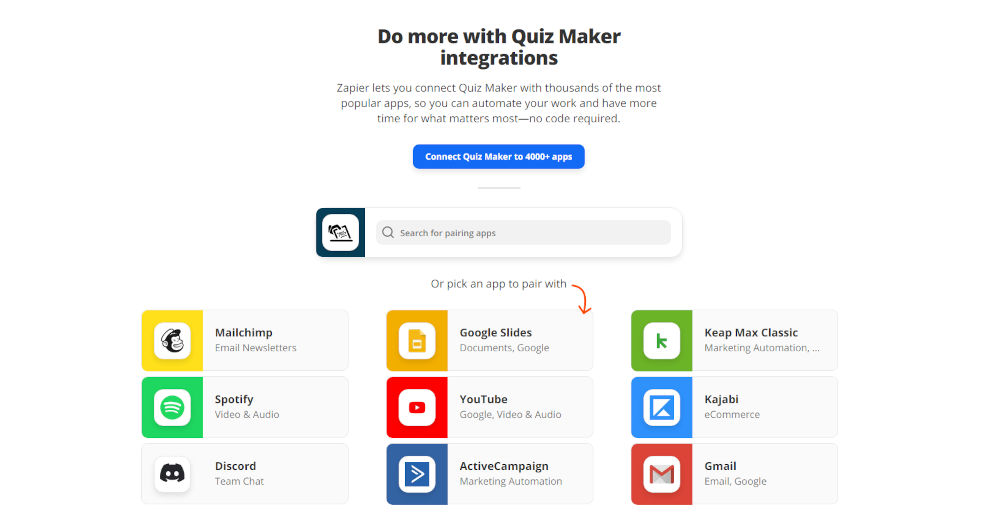
Zapier supports more than 3,000 applications including Google sheets, Slack, Mailchimp, Trello and more. To search if your specific app is supported you can search Zapier directly here.
If your app isn't supported you still have many options available for analyzing your data
How to Integrate using Zapier
- First signup to Zapier (they have a free forever plan)
- Go here and https://zapier.com/apps/quiz-maker/integrations search for your app
- A window will open allowing you to login to the app you have selected (make sure it isn't blocked by your browsers popup blocker)
- Enter your login details to authorize the connection - you will only need to do this once per App and it will be connected for your entire account.
- When it is authorized you should see the App name appear in the 'Connected' list within Quiz Maker under Settings / Integrate
- Once your App is connected you can Add Actions to integrate Quiz Maker with the app.
