
New Hire Day 1 Orientation Quiz
A first-day knowledge check covering badges, systems, point people and the team contact list.

Create an online test for employees in minutes, for onboarding, compliance and safety. Set a pass mark, auto-grade every answer, and issue a certificate when someone passes.
How it works
The editor at the top of this page is already set to Employee Test. Scoring is on, the score shows on the result page by itself, question and answer order come out shuffled, and the lead-capture tab is out of your way. Three steps and it is live.
Hit + Add Question, pick Multiple Choice or True / False, and tick Correct Answer. Eight to twelve questions is usually enough.
Hit Save Quiz, then open the Share tab. Copy gives you the link, Embed gives you a snippet for an intranet or your LMS, and Email sends the invitations.
Every answer is graded on submit. Open your Quiz Maker dashboard to see who has taken the test, what they scored, and which questions the team keeps failing.
Pass marks and certificates are a deliberate fourth step, not part of the first three. When you need a cleared or not cleared verdict and something the employee can keep, see adding grade bands and a certificate.
Quiz Maker doubles as an employee training quiz maker and a test maker, because it is one builder either way: the only difference is whether scoring is switched on. Most training tools can tell you someone opened the material. An auto-graded test tells you what they actually knew on the day, and a certificate gives you something to file.
Set the score someone has to hit. Around 80 percent for product knowledge and onboarding, 85 to 90 for compliance and safety, and mark the critical questions that have to be right whatever the total says.
A fail is not a dead end. Show your written explanation on every missed answer, then send the employee back into a retake. Cap the attempts, add a cooldown, and shuffle the questions when the exam is high stakes.
Auto-issue a branded PDF certificate carrying the name, the score, the date and a unique verification ID, emailed the moment the pass mark is cleared. It is the difference between an online quiz and a record you can hand to an auditor.
Per-employee scores, completion dates and attempt counts sit in one dashboard. Export to CSV or push to a webhook so your HR system holds the same record you do.
Save the certificate for the checks an outside party will ask about: regulators, partners, customers, formal records. Weekly refreshers do not need one, and a credential handed out for everything stops meaning anything.
The fastest way to confirm a new hire actually retained the Day 1 essentials. Eight questions cover badges, payroll, the org chart and who to ask for help. Branch on the result so the page either sends them to their manager check-in or back to the onboarding guide first, with no manual chasing.
Every test below was built on Quiz Maker. Take one end to end to feel the question flow and the result card, or hit Use as template to open the AI drafter with that brief already written and build your own copy in the editor at the top of this page. Looking wider than staff testing? There are quiz templates you can edit across onboarding, marketing and classroom use.
Day 1 - Week 1 - 90-Day Checkpoints
A first-day knowledge check covering badges, systems, point people and the team contact list.

Confirm new hires understand the company mission, values and how those show up in day-to-day work.
A practical handbook quiz covering PTO, expenses, communication norms and dress code.
Help distributed new hires get clear on standups, response times, async norms and home-office setup.
A short diagnostic that surfaces your manager preference: feedback cadence, channels and meeting load.
Make sure new hires actually know how to request time off, claim wellness benefits and access perks.

Confirm new hires know which team owns what, who approves what and where requests should land.
Wrap onboarding with a structured 90-day check covering tools, expectations, wins and gaps to close.
HIPAA - OSHA - Anti-Harassment - GDPR
An annual HIPAA privacy refresher for clinical and customer-facing staff handling protected health info.
A foundational OSHA quiz covering hazard identification, reporting, PPE and right-to-know basics.
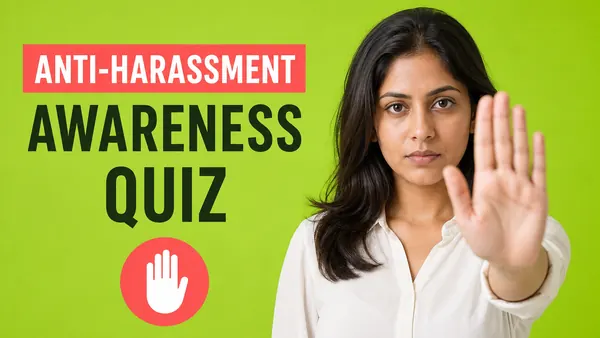
A scenario-based anti-harassment quiz covering bystander action, reporting paths and respectful workplace norms.
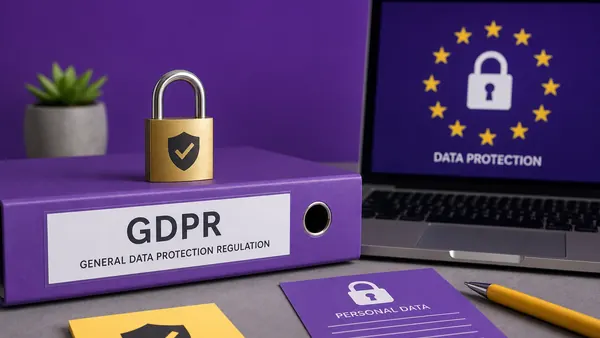
A GDPR-aligned quiz on lawful basis, data minimisation, subject access requests and vendor sharing.
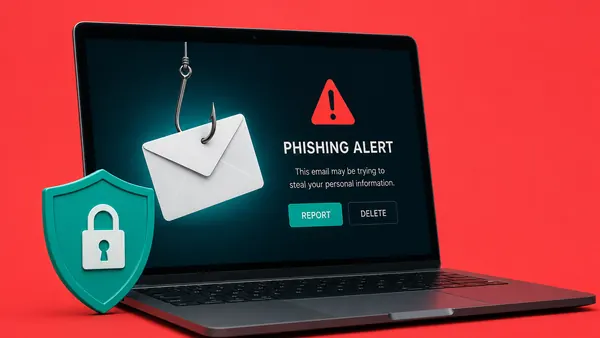
Test staff on phishing red flags, password hygiene, MFA habits and incident reporting steps.
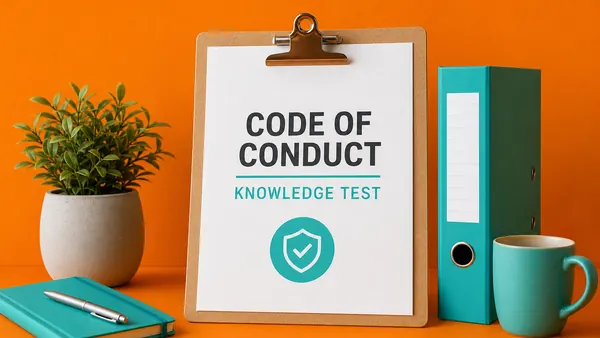
A grounded code-of-conduct quiz on conflicts of interest, gifts, escalation paths and external comms.
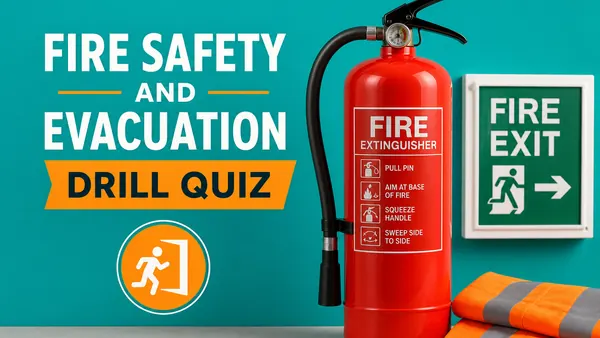
A practical fire-safety quiz covering alarms, extinguisher types, muster points and assisted evacuation.
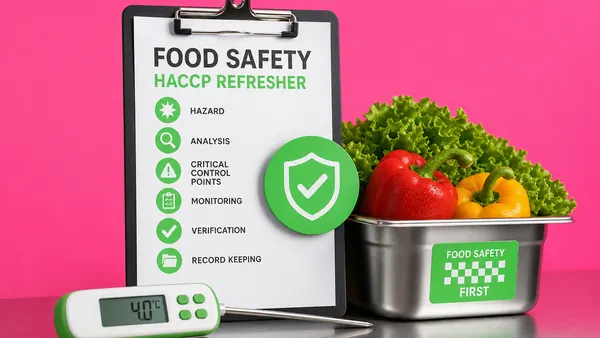
An HACCP-aligned food-safety quiz on temperature control, allergen handling, cross-contact and sanitation.
SaaS - SOPs - Sales - Product
Validate product fluency for new sales or support reps: features, ICPs, key differentiators and objections.
Confirm new SaaS-platform users can run the demo, configure the basics and route prospects through trial.

Refresh reps on discovery, qualification, MEDDIC-style criteria and how to advance a stalled deal.
Confirm staff can execute a standard operating procedure step-by-step under normal and edge conditions.
Validate that new users can navigate the core tool: shortcuts, common tasks, settings and where to get help.

A short self-assessment surfacing your leadership style across feedback, delegation, coaching and conflict.

Confirm new project leads understand scope, sequencing, dependencies, risk logs and stakeholder updates.
A diagnostic that surfaces your work rhythm: deep work, async, batching or shipping under pressure.
Customer Service - Hospitality - Call Center - Retail
Confirm reps can handle complaints, refunds, escalations and empathy moments without breaking policy.
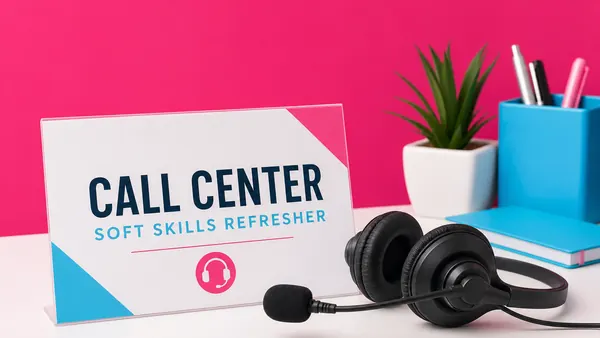
A practical quiz on tone, active listening, hold etiquette, transfer protocol and de-escalation phrasing.
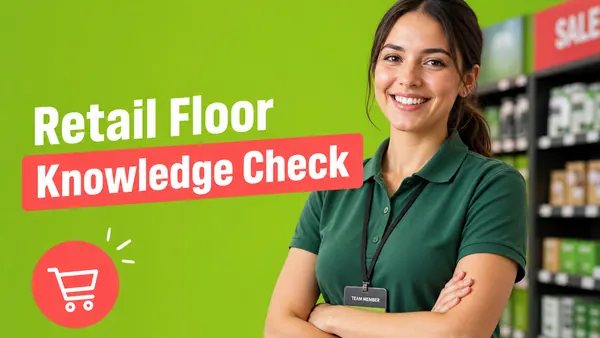
Confirm floor staff know stock locations, returns policy, loss-prevention basics and upsell phrasing.
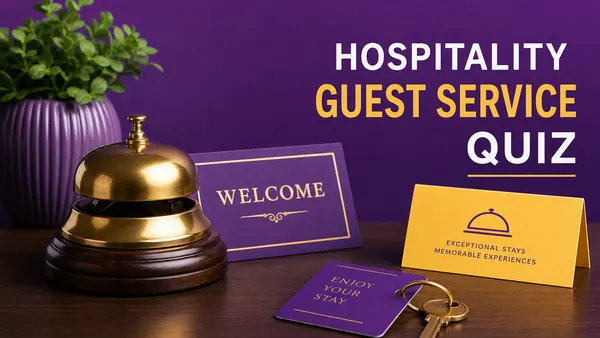
A guest-experience quiz covering check-in, complaint recovery, room readiness and recommendations.
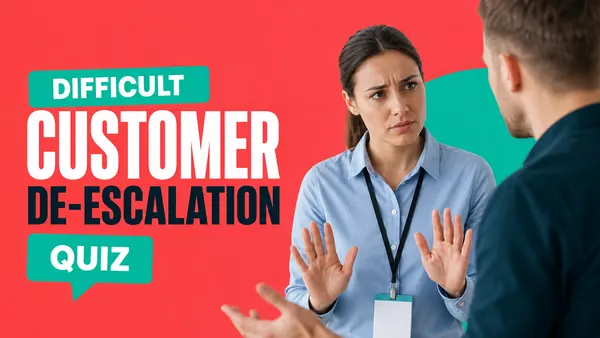
Test reps on calming language, acknowledgement, boundary-setting and escalation timing for tough calls.
Make sure staff write and speak on-brand: word choice, formality, emoji use and what is off-limits.
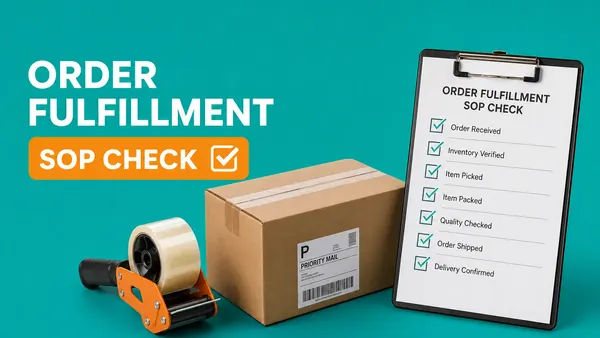
Confirm warehouse and ops staff can pick, pack, label and dispatch within the SOP and quality bar.
A practical server quiz on menu fluency, allergens, table flow, upsells and POS basics.
The three steps above build the test. This is the rest of the job: where the questions come from, what a fail should trigger, how you keep a high-stakes exam honest, how it reaches people, and what you do with the scores once they land.
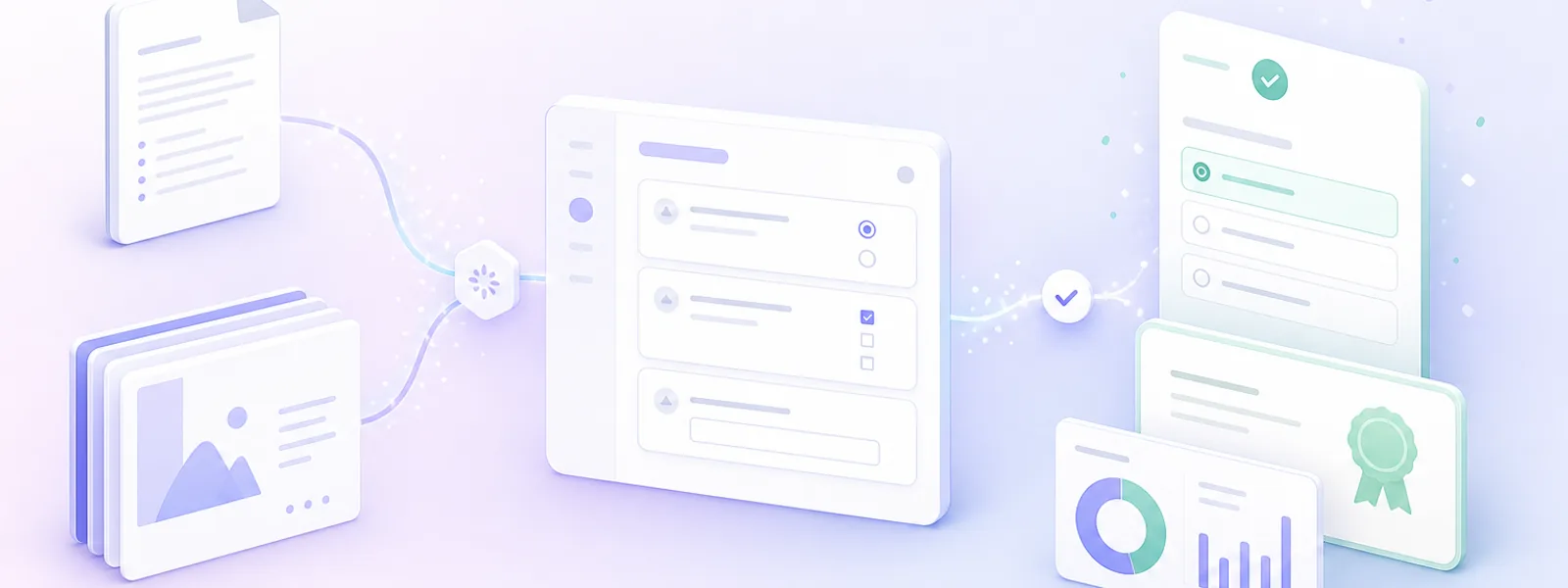
From an SOP to a certified employee, and back again when the policy changes.
Point at the document people are actually held to: a PDF SOP, a Word policy, a slide deck, a help-center URL or a training video transcript. Our AI quiz generator reads it and drafts 8 to 12 editable questions in about 60 seconds, so the test asks what the document says rather than what someone half remembers of it.
A score on its own changes nothing. Route the result: send a near miss straight back into a retake with the explanations showing, point a bad fail at the specific lesson, and flag anything below the line for the employee manager. Pick a threshold that fits the risk, 80% for product knowledge, 90% or higher for compliance and safety.
Apply your logo and brand colors on the Themes tab. Question order is already randomised on this page; add per-question timers, attempt limits and answer shuffling on Settings, and hand out single-use access codes from Share when the exam is high stakes.
Send a branded link, paste a one-line embed into any LMS or intranet, or chain several tests into a multi-module course. Quiz Maker does not publish SCORM packages, so if SCORM is required, run the test inside your existing LMS. Browse the guides and tutorials.
Quiz Maker grades every submission instantly and issues the certificate by grade band. The dashboard shows which questions trip up the most people, which is usually a fault in the material rather than in the staff. Export to CSV or push to your HR system by webhook, then schedule the refresher so nothing silently expires.
An annual security refresher your team will actually finish. Eight scenario questions test staff on suspicious-link cues, password hygiene, MFA habits and incident-reporting steps, with a pass mark you can defend and a certificate for anyone who clears it.
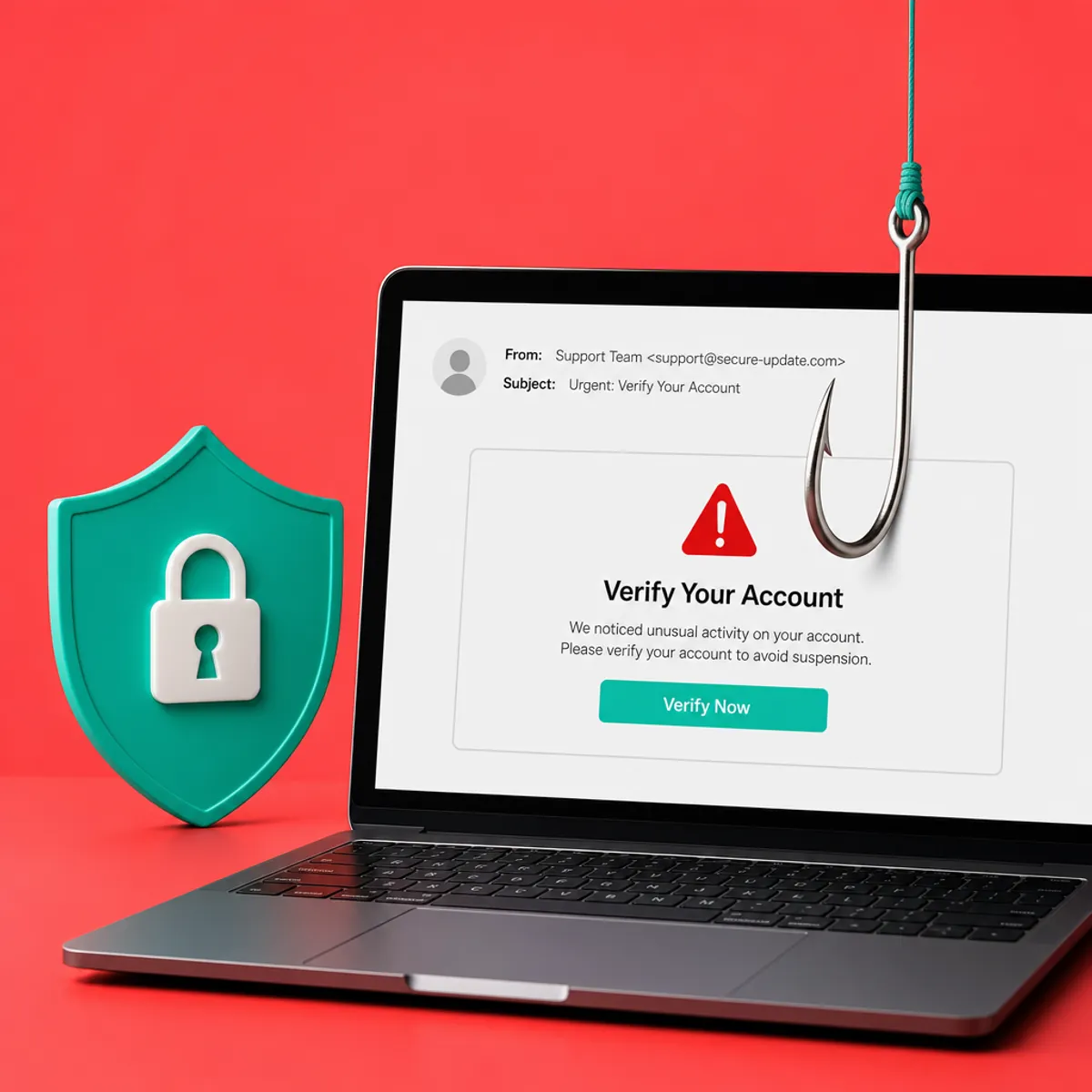
Turn a PDF, an SOP or a training video into a scored test in about a minute, with the controls a training lead and a compliance auditor both expect.
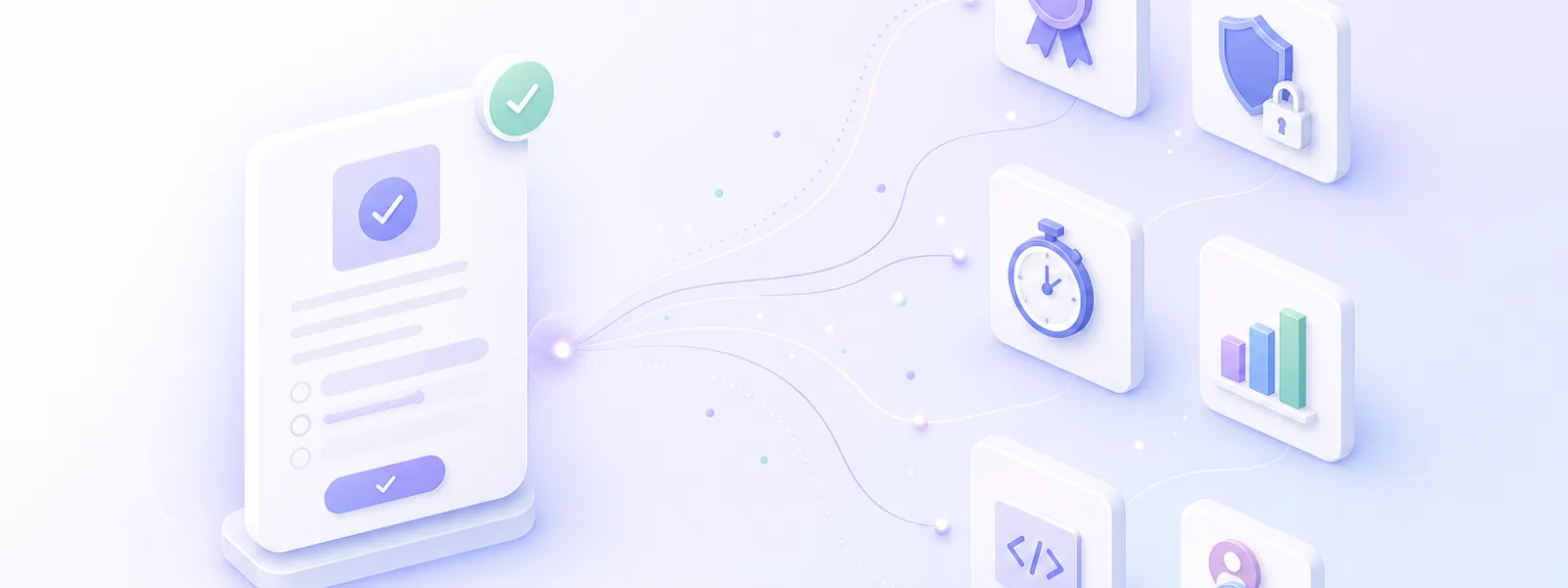
Everything a training lead and a compliance auditor both expect, in one test.
Paste a prompt or drop in a PDF, a slide deck, a URL or a training video. Get an editable test draft from the free AI quiz generator in about 60 seconds.
Set the pass mark and the tiered outcomes once. Quiz Maker grades every submission instantly and routes each employee to the right next step.
Auto-issue PDF certificates with your logo, the score, the date and a unique verification ID, emailed the moment someone clears the pass mark.
Gate a test behind login or share one-time codes. Every attempt is tied to a verified identity, with an audit-ready log.
Per-question or whole-test timers, capped or unlimited attempts, and retake gating by score. Randomise the order to keep an exam honest.
Per-employee scores, completion rates and a weak-topic heatmap. Pipe the completion record out via CSV, Google Sheets or a live webhook into your HRIS.
Apply your logo and brand colors. Embed the test responsively in any LMS, intranet, Notion page, SharePoint site or WordPress post.
Admin seats with a shared test library. Chain several tests into a multi-step course with central learner login. Let AI draft the questions for you to skip the blank page.
An online quiz maker for business has one job, and it does not change with headcount. Five-person shop, or a company running compliance across several sites every quarter, the work is the same: turn what your people are supposed to know into a test, then keep the record of who passed.
Hand the handbook, the safety policy or the SOP to the AI quiz maker and a first draft of the exam lands in the editor at the top. Edit what the AI wrote, set the pass mark, and the policy becomes something you can measure instead of something you hope people read.
There is nothing to install and nothing to configure. Build the test in a browser, send the link, read the scores the same afternoon. The free plan covers building, AI drafting, sharing and embedding, so a small team can run a real knowledge check without a training budget.
Keep a shared library of tests, re-run them each quarter with fresh questions, and export the completion record into your HR system. Chain several tests into a course when onboarding needs more than one checkpoint, or export the test to your LMS and run it there.
A staff test is a learning event as much as a checkpoint. Five decades of retrieval-practice research point to the same eight rules.
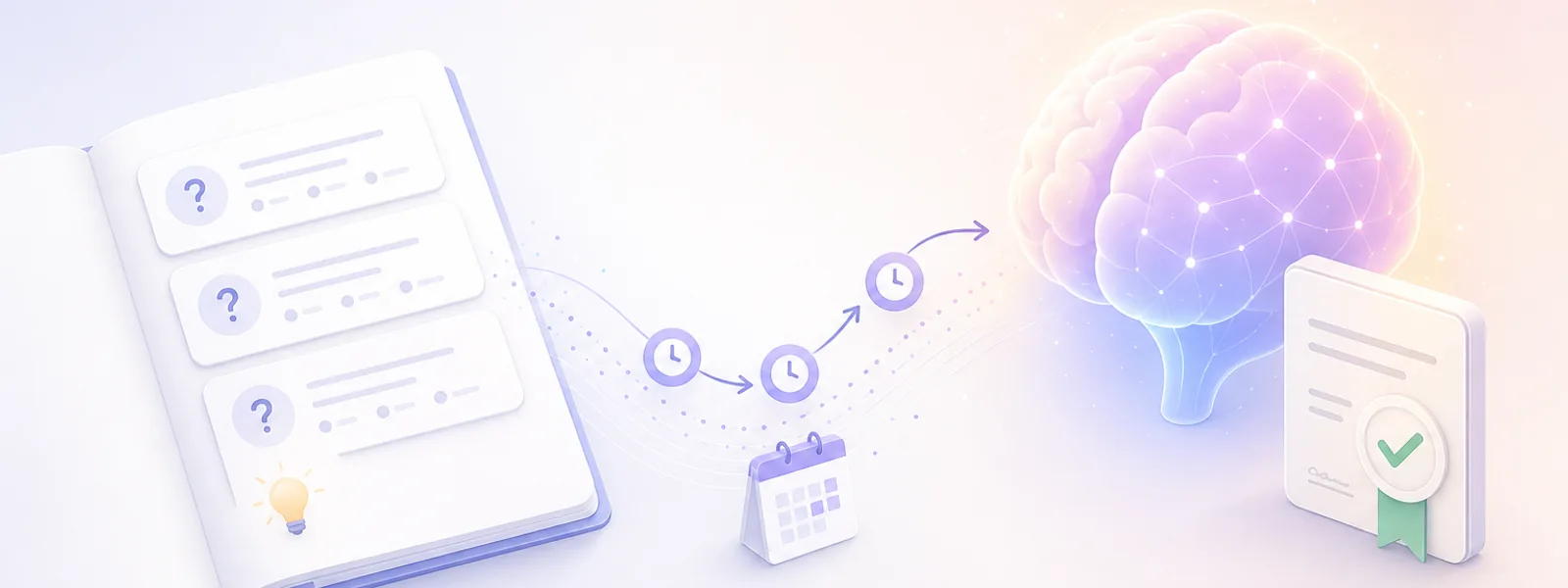
Five decades of retrieval-practice research, distilled into eight rules.
Eight to twelve questions hits the retrieval-practice sweet spot. Past 15, completion drops sharply and answer quality degrades. Reserve 20 or more for a formal certification exam.
Why: Two short retrieval events beat one long one on long-term recall.
Replace "What is X?" with "A customer does Y, what do you do?" Every question should map to a decision the employee will actually face on the job.
Why: Transfer improves when test context matches task context (encoding specificity).
For compliance, safety, support and sales, lead with a two-or-three sentence scenario. Offer plausible wrong answers, not obvious distractors.
Why: Plausible distractors force discrimination, the same skill the job demands.
Write a one-sentence explanation that fires on every wrong answer. Reference the source slide or policy section so curious staff can dig deeper.
Why: Feedback after retrieval is where memory consolidates. The testing effect more than doubles with feedback.
80% for product knowledge and onboarding. 85 to 90% for compliance and safety, with two or three critical questions that must be answered correctly regardless of total score.
Why: A stake-appropriate gate preserves the signal of a pass. A flat 70% tells you nothing about real readiness.
Issue a certificate only when an external party will care: regulators, partners, customers or formal records. Skip it for weekly refreshers.
Why: A credential is a signal. Signals lose value when they are handed out for trivial achievements.
Add a shorter refresher test between one and four weeks after the training, with a different question set covering the same objectives.
Why: Spaced retrieval beats massed practice on long-term retention. The gap reveals what training missed.
The dashboard is a diagnostic, not a report. If 60% of staff miss the same question, the slide is the problem. Review item-level monthly, rewrite, rotate fresh items.
Why: Closing the loop turns assessment into formative training data.
"The single most consistent finding in 50 years of memory research is that retrieving information from memory is itself a powerful learning event, often more powerful than the original study. A short, well-written staff quiz with feedback, repeated after a delay, will out-teach an hour of re-reading the same handbook."
A score tells an employee how they did. A pass mark tells them whether they are cleared, and a certificate is the thing they can hand to a manager or an auditor. This is what people are really after when they look for an online quiz maker with certificate, and it lives on the Results tab of the same editor.
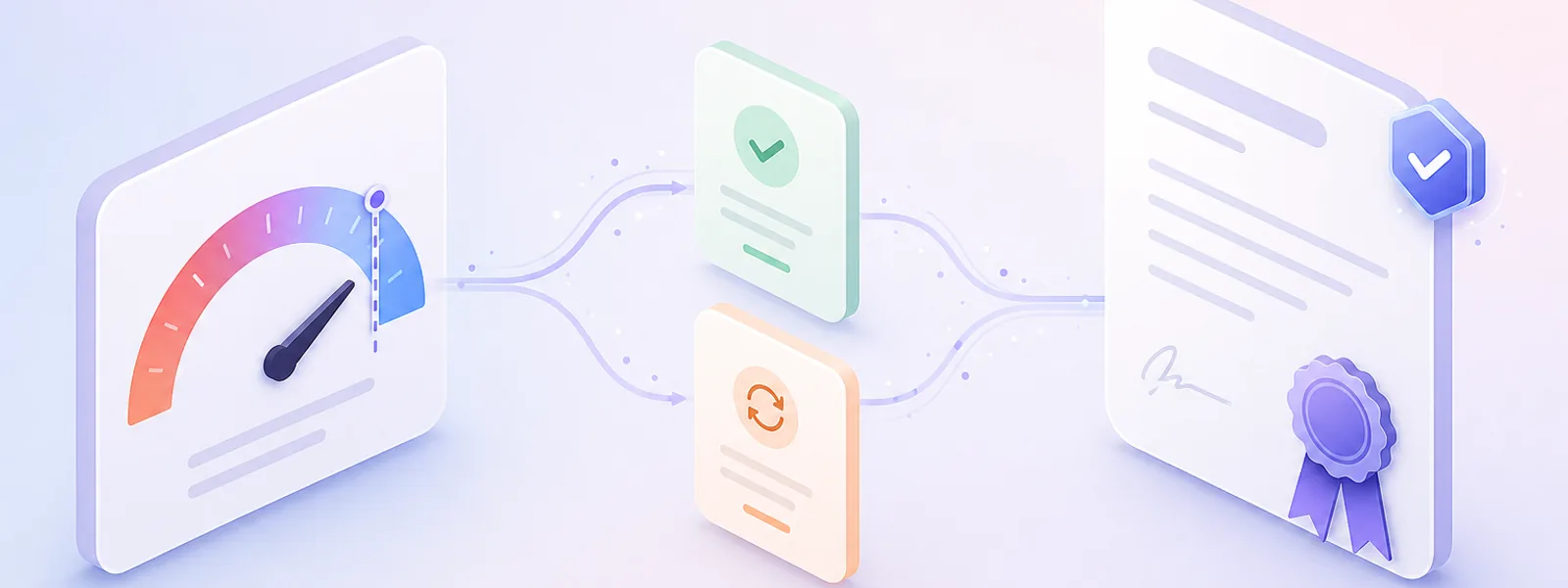
A grade band turns a raw score into a pass or a retake. The pass band is what releases the certificate.
On Results the Your Grade block is already sitting there, empty, and an empty block does not display. Click + Add Grade, name it in Enter Grade title, switch Score Number to Score Percent and set From 80 to 100. Add a second band from 0 to 79 and call that one the retake.
Click + Content at the bottom of the same tab and pick Certificate from the Scoring column. A Your Certificate block appears with a Create Certificate button on it. That one click is the whole of what it takes to create an online quiz with a certificate on the end.
Open the certificate block's Settings. Show Certificate: starts on Always show in results, which hands one to everybody who finishes. Change it to For one or more 'Grades' and tick your pass band. For a range of scores and Custom display logic are there for rules that will not fit a single band.
Edit Certificate opens the certificate itself so your own logo and wording go on it. While you are still in + Content, Button to retake test under Other puts a retake link on the result page, so someone who lands in the 0 to 79 band tries again instead of emailing you about it.
That is the whole job: a free online quiz with certificate attached, issued on the pass band rather than to everyone who turns up. The certificate carries the name, the score, the date and a unique verification ID, so it stands up as a record long after the test is closed.
Two things worth knowing. The Your Grade block has its own Settings, where Titles is on and Images is off, so the band name shows and nothing else competes with it. And keep the credential scarce: as the best practices above put it, a certificate handed out for a weekly refresher stops meaning anything to the auditor you are issuing it for.
Built for sales and support enablement leads. Check that a new rep really knows the features, the ideal customer, the differentiators and the top three objections before they are put on live calls. Use the test score to gate first-day pipeline access.
Yes. The free plan covers building the test, AI drafting, sharing and embedding. Premium plans unlock advanced result logic, custom branding, team collaboration and reporting.
Use the editor at the top of this page. Add your questions on the Test tab, set a pass band on the Results tab with + Add Grade, then add a Certificate block under + Content and share the link. If you would rather not start from a blank page, you can generate quiz questions from your SOP, a PDF or a slide deck first and hands them to the same editor. Most teams have something live in under ten minutes.
It is the same builder. When people say they want to create an online quiz for employees they usually mean something lighter than an exam, so leave the pass mark off and let the result page show the score and your feedback notes. Add a grade band later and the same quiz becomes a scored test with a certificate on it. Nothing has to be rebuilt.
Yes, and it is the reason most teams pick Quiz Maker for staff training. Assign a certificate by score, pass mark, grade or outcome type. It is emailed to the person the moment they pass, carrying their name, the score, the date and a unique verification ID, and they can download it again later.
Yes. The free plan covers building the test, sharing it and issuing the certificate. Custom branding on the certificate is a premium feature. Either way the certificate carries the name, the score, the date and a unique verification ID, and the person can download it again later.
Yes. Set a pass mark, branch the result card by tier (mastery, solid pass, needs review, retake required), and prompt a retake automatically when someone falls below the threshold. Cap the attempts and add a cooldown for higher-stakes exams.
Yes. Drop a policy PDF, a handbook, an SOP, a slide deck, a URL or a video transcript in and let the generator draft the questions from it. Review and edit every question before you publish, so the test asks what your policy actually says.
Usually it is the point. There is no install and no rollout project: one person can build the test in a browser, send the link, and read the scores the same afternoon. Teams that outgrow that add seats, branding and reporting on a premium plan.
A test checks understanding. An LMS hosts whole courses with SCORM, learning paths and certifications. Plenty of teams use both: Quiz Maker for fast knowledge checks, and an LMS quiz generator for multi-module curricula.
Not natively. For SCORM-required programs, embed Quiz Maker tests inside your SCORM-compliant LMS, or run them standalone and export completion data into your LMS reporting.
Yes. Every test exposes a responsive embed snippet you can paste into any LMS, SharePoint, Notion or intranet page. Results pipe back to the Quiz Maker dashboard.
The dashboard shows per-test completion, scores and timestamps. Export to CSV on the free plan, or stream results to Slack, your CRM or a webhook on premium plans.
For onboarding and product knowledge, 80% is a practical starting point. For compliance, safety and cybersecurity, use 85 to 90% and require a retake for any missed critical question.
Most staff knowledge checks work best at 8 to 12 focused questions. Use 5 questions for a refresher and 15 to 20 for a certification exam.

The free online quiz maker. Build a quiz, test or assessment in minutes. Auto scored, shareable, and ready to embed.
© 2026 Quiz Maker. Making quizzes since 2003.