
Is Your Website Secretly Losing Customers?
Pinpoints whether slow pages, a weak hero, thin trust or funnel friction is costing you sales.

A lead generation quiz asks a few questions, gives someone a result worth having, and collects their details on the way to it. Build one in the editor below, free.
Write the questions, switch the form on, share the link. All three steps happen in the editor above.
Hit + Add Question, or let AI draft them for you. Eight to twelve suits most lead quizzes.
Write answers that sort people into groups you would treat differently, not answers that flatter them.
Open the Leads tab, switch on Lead Capture, and add your fields there. Ask only for what your follow up will use.
The form appears after the last question, so people meet it once they have something to collect.
Hit Save Quiz, then open the Share tab for your link or embed code.
Every contact lands in your dashboard next to the answers that person gave.
The outcome someone lands on is the part worth your time: a result that names their situation back to them is what makes the form feel like a fair trade. Lift wording from the question bank below, or start with how to make a quiz.
A lead generation quiz gives each visitor a personalised result and collects their details on the way to it; marketers also call it a quiz funnel. Four shapes are worth building, and the one you pick decides your questions, your result page and what your sales team can do with the lead.
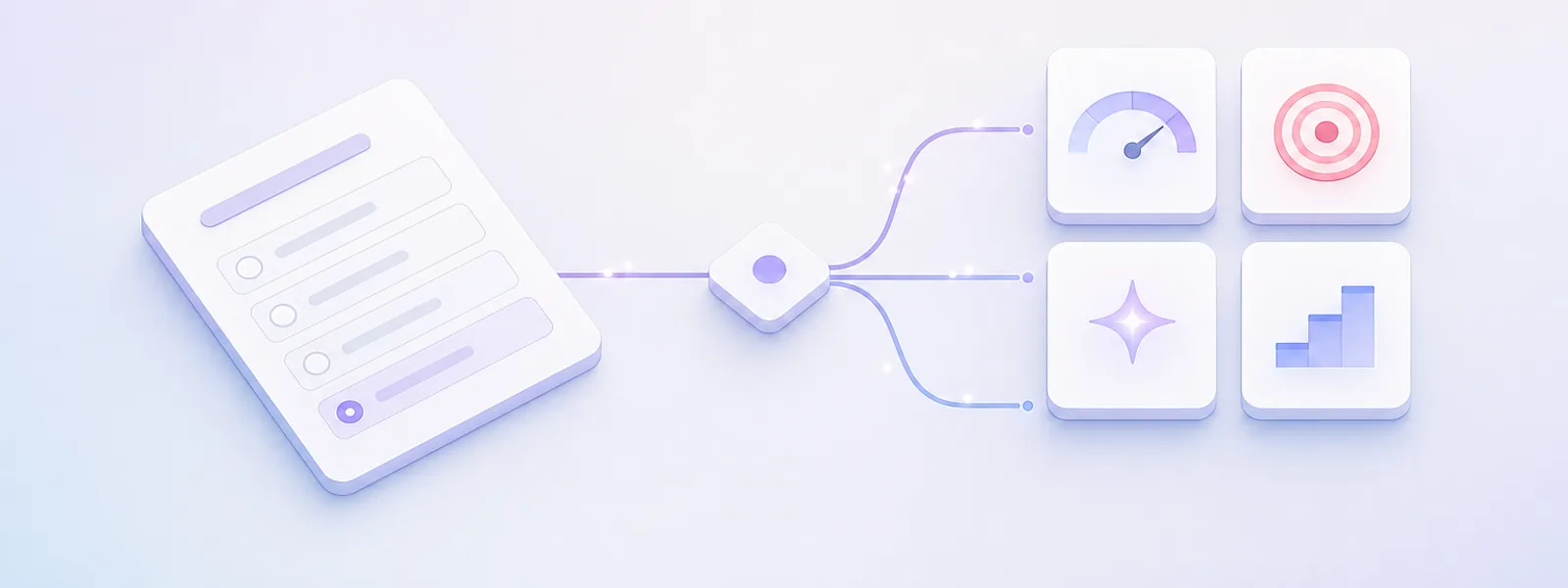
Grades where someone is now and names what to fix first.
Best for agencies, consultants and B2B software. Runs eight to twelve questions, because the diagnosis has to be credible.
Buying intent High
Matches each visitor to the right item in your range.
Best for ecommerce and DTC catalogues. See the product finder quiz for your store.
Buying intent High
Sorts people into named types they recognise themselves in.
Best for list building and shareable reach. Same builder as a personality quiz with shareable results.
Buying intent Low
Asks if someone is ready to buy yet, and says so when they are not.
Best for coaches, advisers and sales-led teams. Fewest leads, best leads.
Buying intent Highest
The four numbers vendors mix up
Capture is the product of the other three, and the only one that means leads per visitor. A vendor quoting 40 percent is naming one factor, almost never the product. For calibration, the median landing page converts 6.6 percent of visitors across the 41,000 pages Unbounce measured, and median SaaS pages just 3.8.
Pinpoints whether slow pages, a weak hero, thin trust or funnel friction is costing you sales.

Grades your site on speed, search, mobile and security, then names the top three fixes.

Diagnoses whether spreadsheet mess, stale pipeline or unread reports is the real revenue leak.

Places your team on the five stages from Building to Optimising and names the next step.

Tests whether the founder bottleneck, a fragile pipeline or no repeatable offer is holding you back.

Checks your audience, topic and offer before you spend months building the course.

Matches your skills and spare hours to the side hustle you would actually stick with.

Scores your metrics, team, traction and story the way an investor will.

Builds a routine around your skin type, concerns and budget in eight questions.

Matches sleep position, partner, temperature and budget to the right mattress.

Narrows commute, family, budget and taste down to the car that fits.

Matches your space, hours away and activity level to the right breed.

Matches your working style to a career direction using Holland Code traits.

Finds your animal chronotype plus your best bedtime, workout and focus windows.

Matches your schedule, energy and goals to a workout you will keep.

Turns your mood and budget into a shortlist for the next trip.
A personality quiz for marketers: the shape that earns the most shares, with an outcome that tells your follow up what to talk about first.

Every other guide tells you to write eight to ten questions and then gives you none. Here are four banks, grouped by the job the quiz does. Press the button on one and its questions load straight into the editor at the top of this page.
The one rule underneath all of them: ask what somebody did, never why they did it. People reliably report their own behaviour and unreliably report their own reasons.
Tells someone what is broken, how bad it is, and what to fix first.
B2B software, agencies, sales and revenue ops, IT and managed services, accountants, and consultants selling an audit.
Tells someone which stage they are at and what has to be true before the next one.
Coaches, course creators, recruiters, admissions, financial advisers, mortgage brokers, insurance and property.
Tells someone which of your things is theirs.
Ecommerce, DTC, subscription, anything with a catalogue, and B2B with a tiered product line.
Add these only when the result page ends in a call with a human.
Anyone routing the top outcome straight to sales.
Six core questions plus the four qualifiers lands you at ten, inside the eight to twelve most lead quizzes run. Question one loses roughly four times more people than any question after it, which is why every bank above opens with one nobody has to go and look anything up for.
The build choices that matter, measured from real quizzes and their real opt-ins. The seven-times-more-leads line you will read elsewhere has no traceable source, so it is not here. Sample and definitions are at the bottom; the wider companion study is our benchmark of 700,257 quiz sessions.
Each row compares lead-capture quizzes with and without one build choice inside the quiz itself. Observational comparisons, not experiments: read them as "this is what this kind of quiz looks like", not "switch this on and get this".
| Build choice | With | Without | Effect |
|---|---|---|---|
| Form is required rather than skippable | 75.8% (787) | 67.1% (609) | +8.7 |
| Quiz awards a certificate | 84.7% (44) | 71.6% (1,352) | +13.1 |
| Personality / outcome format | 75.4% (277) | 71.2% (1,119) | +4.2 |
| Custom-branded theme | 74.5% (457) | 70.8% (939) | +3.7 |
| Progress bar shown during the quiz | 73.8% (74) | 71.9% (1,322) | no effect |
The strongest pattern here is about motivation, not mechanics. Someone who spends four minutes in a quiz hands over their details far more often than someone who skims it in ninety seconds, and that holds inside every length band, so it is not just long quizzes taking longer.
The benchmark draws on the full population of quizzes published on Quiz Maker between 1 January 2024 and 26 August 2026: 546,394 quizzes carrying 51.4 million responses, from 393,083 creators. A census of that period, not a sample, drawn from production response records rather than from any survey, panel or self-report.
28,936 quizzes (5.3 percent of the corpus) ask the visitor for contact details. They do it two ways: 19,626 switch on the built-in lead-capture form, and 9,310 more place an email field among the quiz's own questions. Every opt-in figure on this page is measured on the first group only, because the built-in form records each submission separately and can therefore be counted directly. The second group is included in the population and completion figures but not in the opt-in figures.
Each lead-capture quiz has a paired form with its own response record. Opt-in is that form's completed submissions divided by the parent quiz's completed responses: a direct count of people who finished the quiz and then filled in the form, not an estimate. Spot-checked against raw answer rows: on a validation quiz with 2,023 completed responses and 1,268 form submissions, 1,266 of those submissions (99.8 percent) contained a genuine email address, each one linked back to the specific quiz response that produced it.
Opt-in and completion rates are computed per quiz and reported as the unweighted mean across quizzes. This matters: the top 1 percent of lead-capture quizzes hold 73.6 percent of all responses in this corpus, so a response-weighted average would report one large customer's number as an industry benchmark. Only quizzes with at least 20 responses are included in rate calculations, leaving 1,396 quizzes in the opt-in set and 33,838 in the completion set. Ratios above 105 percent (19 quizzes with configurations that record submissions outside the normal flow) are excluded rather than clipped.
Where a build choice is compared against its absence, the comparison is made inside question-count bands and then re-weighted by how the feature-using quizzes are distributed across those bands, so that a feature favoured by long quizzes is not credited with the length effect. Bands holding fewer than ten quizzes on either side are dropped. The "form costs 0.4 completion points" figure is a length-adjusted comparison of this kind.
No quiz was randomised. Every row on this page describes what a particular kind of quiz looks like, and the creators who make one build choice differ from those who make another in ways we cannot fully observe. Two comparisons we measured are deliberately not reported as effects for exactly this reason: quizzes embedded on a creator's own site and quizzes piped into a CRM both show lower opt-in, but both choices are markers of colder, higher-volume traffic rather than properties of the quiz, so presenting them as conversion effects would mislead. A finding on how many fields the form asks for was withdrawn from this benchmark after review: the email-only group is contaminated by quizzes built to harvest addresses rather than to generate leads, which we cannot reliably separate from genuine lead capture forms in this corpus. No field-count comparison is reported here.
Three findings were investigated and are deliberately not reported. Form wording: forms whose creator rewrote the default label appeared to convert 12 points worse, but 63.8 percent of rewritten forms are also skippable against 34.1 percent of default ones, and once the skip setting is held constant the difference reverses. The effect was the skip setting, not the copy. Position of the ask: for quizzes with an inline email field, where in the quiz that field sits moved completion by only a few points with no consistent direction, so no recommendation is made. Branding: a custom theme is reported here as the null it is, at 1.0× reach and three points of opt-in.
It counts contact records captured, not their quality, deliverability or downstream revenue, none of which are visible to us. It cannot see people who saw the quiz and never started it, so "per 100 starts" is per 100 starts and not per 100 visitors. Quizzes using an inline email field rather than the built-in form are not included in opt-in figures. All figures are aggregate counts and rates: no quiz content, creator identity or respondent data is reported, and the corpus is fully anonymised.
The scorecard shape that works hardest for agencies: a grade on speed, search, mobile and security, plus the three fixes worth doing this week.

Each rule is followed by why it holds. Where a number appears it comes from the benchmark above, measured on our own quizzes rather than quoted from a vendor.
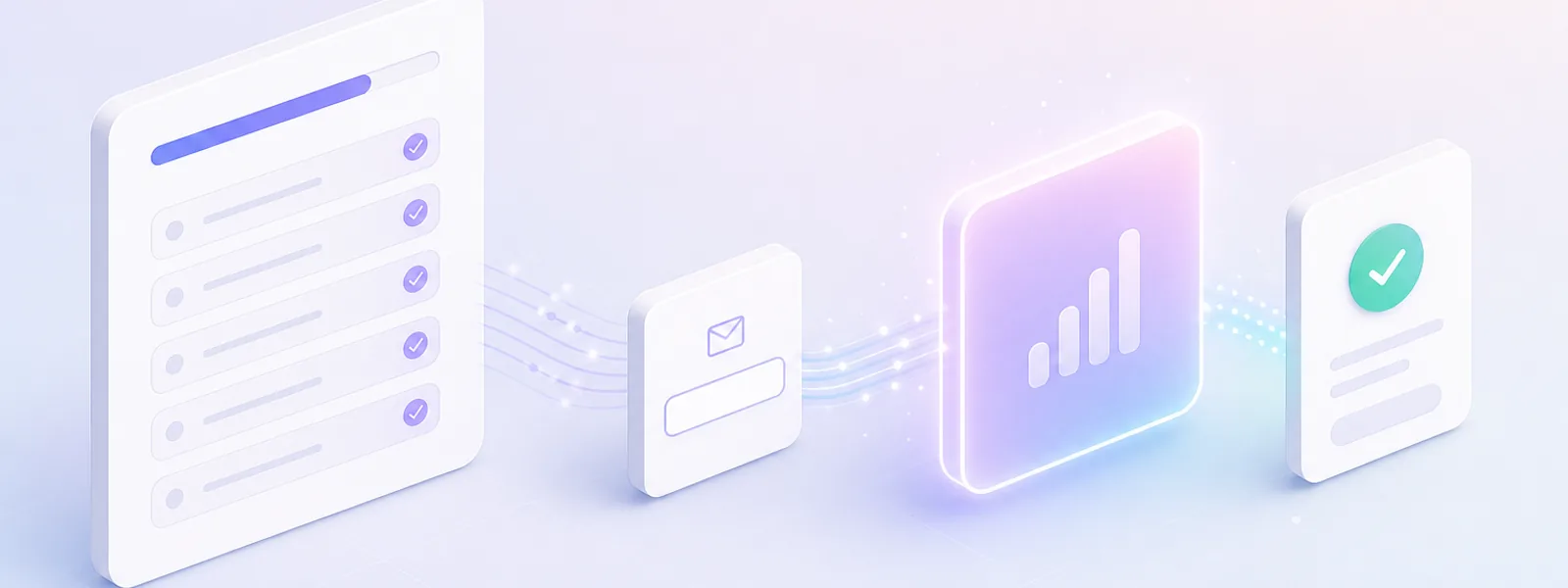
Between the final question and the result, never on the landing page in front.
Why: A form up front is priced against nothing; at the end it is priced against a result they now want.
Leave the skip option off unless you have a reason; a skippable gate is one most people walk past.
Why: Required forms opt in at 75.8 percent against 67.1 for skippable ones.
Question one must cost nothing to answer and still sort people, so nothing they would have to go and look up.
Why: Question one loses about four times more people than any question after it.
Every answer should point to a different outcome; two answers that lead to the same email are one answer.
Why: An answer that routes nowhere is a question only the visitor paid for.
Name their situation, hand them the first step, then make one offer that fits the outcome.
Why: The result is what they gave their details for; a thank you spends that credit on nothing.
Depth is not the enemy: eight to twelve real questions beat four thin ones.
Why: Opt in climbs with time spent, 57 percent under two minutes to 89 past eight. Correlation, but it points one way.
A quiz lead arrives carrying every answer they gave; most teams still send the newsletter they send everyone else.
One follow up per outcome, not one email with a swapped first line.
Where: your email tool
The outcome and answers belong next to the address. They are why the lead is worth calling.
Where: dashboard or CSV
Timing, budget and who else decides carry the signal. Top band to a person, the rest to nurture.
Where: the qualifier bank
The result page is the highest intent moment you get. Make the offer there, not in tomorrow's email.
Where: the Results tab
Contacts land in your dashboard, export to CSV, or push to your email tool through a webhook. A quiz nobody follows up is a slower way of doing nothing.
A diagnostic for sales teams that names the bottleneck: a list problem and a messaging problem need different first emails.
Yes. The free plan covers building the quiz, AI drafting the questions, lead capture, sharing and embedding. Premium plans unlock higher response volumes, custom branding, advanced result logic and reporting. The editor at the top of this page is the free one, and it does not ask you to sign up before you build.
Eight to twelve for most quizzes. Below five you rarely gather enough to route people usefully, and completion falls steadily as you go past fifteen. In our own data completion runs at 84 percent for five to seven questions, 82 percent for eight to ten and 74 percent by twenty to twenty nine. Length costs you people before the form, but the people who stay longer opt in at a markedly higher rate, so the shortest quiz is not automatically the best one.
After the last question and before the result. At that point the visitor has answered everything and wants the outcome, so the form reads as the last step rather than a toll gate. A form placed in front of the quiz is measured against nothing the visitor has invested yet, which is why it converts worse.
Ask for what your follow up genuinely needs and nothing else. If every lead goes into one nurture sequence, an email address is enough. If your sales team routes on company size or timeline, ask for that on the form rather than guessing it later. Each extra field is a small cost paid by every person who reaches it, so it has to earn its place by changing what you do next.
Be careful which number you are comparing. Opt in rate is the share of people who finish the quiz and then complete the form. Completion rate is the share of starters who reach the result. Capture rate usually means leads divided by visitors, which is all of them multiplied together. Vendors quoting 40 or 50 percent are almost always quoting opt in, not capture. Our own opt in figures and the method behind them are in the benchmark section above.
Barely. Adjusted for length, quizzes carrying a lead capture form complete at 78.9 percent against 78.5 percent for quizzes that ask for nothing at all. The form costs about 0.4 completion points, which is close enough to free that leaving it off is not a conversion argument.
Yes. Every quiz gives you a responsive embed snippet that pastes into a landing page, a Shopify theme, WordPress, Webflow or an intranet. Results come back to your Quiz Maker dashboard either way.
Contacts land in your dashboard, export to CSV, and can be pushed to an email tool or CRM through a webhook or Zapier. Quiz Maker is the quiz layer, not the CRM or the email service. Send the outcome and the answers alongside the address so the record arrives with the context that makes it worth calling.
Once an answer is tied to an email address, yes, treat the whole record as personal data. Say on the form what you will do with it, link your privacy policy, and only collect answers you have a real use for. A quiz that asks eight questions and uses one of them is collecting seven fields it cannot justify.
A quiz gives the person answering a result. A survey gives the data to you and gives them a thank you. That difference is the entire reason a quiz earns an email address and a survey usually does not, and it is why the result page is worth more effort than the questions.

The free online quiz maker. Build a quiz, test or assessment in minutes. Auto scored, shareable, and ready to embed.
© 2026 Quiz Maker. Making quizzes since 2003.