
Online exam software for secure delivery, grading, and admin

Start free and move from setup to first assessment quickly.

Deliver secure online exams at scale with automated grading and admin controls

Quiz
Themes
Settings
Results
Leads
Share
Default Themes
Your Themes
Customize
Question Container


Fullscreen
Preview
Click to return to Quiz Screen
Quiz Title
Question?
Yes
No
Theme
Customize
Quiz
Plugins
Integrate
Plugins:
Top:
Results
Scoring
Grades

Quizzes generate 7x more leads than forms. Enable lead capture in your quiz below:

Lead Capture
Allow respondent to skip lead capture

Upgrade to Unlock More

Free accounts are limited to 25 responses. Upgrade and get the first days free to unlock more responses and features. Zero risk, cancel any time.

Upgrade
Share
Embed
Email
Unique Codes
Free Quizzes show ads and are limited to 25 responses. Get a day free trial and remove all limits.
Type:
Code:
Preview Embed
Set Image/Title
Width:
Fullscreen
Height:
Add Email
Create a list of Unique Codes that you can give to voters to ensure that they only vote once. You can also download the codes as direct links
Add/Remove Codes
New Quiz
Make a Quiz
Trusted by the biggest sites

How to create an online exam

STEP 01

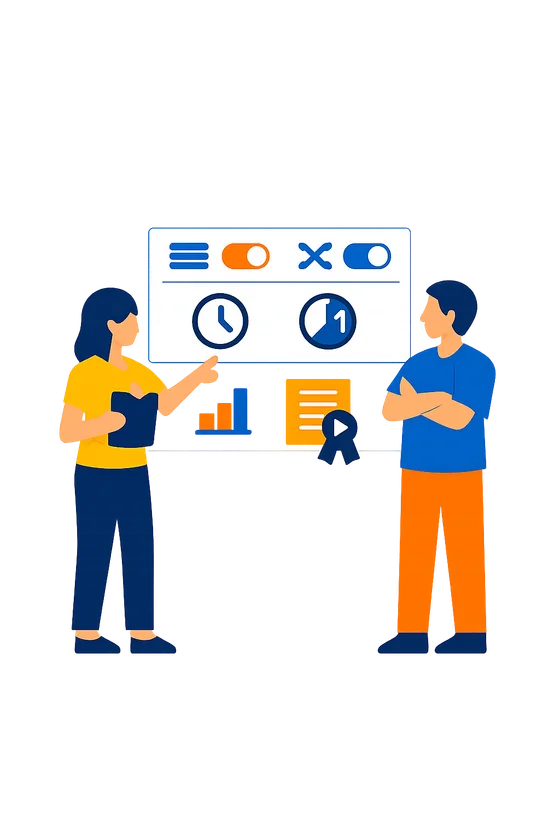
Create a scored exam with time limits, randomized question order, and answer shuffling to maintain integrity across test takers

STEP 02

Require authenticated login from an imported user list and configure attempt limits per candidate

STEP 03

Review results in real-time with per-question analytics, export grade reports, and issue certificates to passing candidates

Online exam software grading with clear score bands

With Quiz Maker, every submission is graded the moment a learner clicks Submit, and they see their score and pass status right away. You set the rules once (including grade boundaries), so the same standard applies across classrooms, cohorts, and certification sessions.

In the exam editor, open Scoring and choose how each question is marked, then define your passing score and any score bands you need (for example: fail, pass, pass with merit). And if you allow retakes, Quiz Maker can keep the best attempt or the latest, so your policy is enforced automatically.

That consistency is what buyers expect from online exam software, and it beats spreadsheets, manual rubrics, and last-minute grading marathons when you need results on deadline.

Online exam software grading with clear score bands

Verified candidate access with logins and roster imports

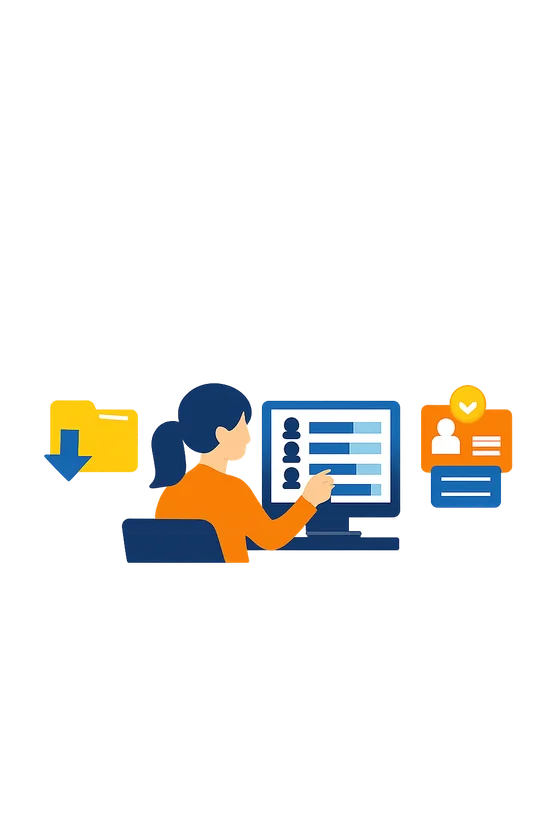
Quiz Maker can require login before anyone opens an exam, so you know who took it and you can keep links from getting forwarded. It's the fastest way to move from "anyone with the URL" to authenticated delivery.

Under Access, choose Require login, then either import a user list (CSV roster for students, trainees, or candidates) or turn on self-registration for controlled signups. You can also decide whether learners see the exam immediately after logging in or only during your release window.

If you already run assessments across programs, this fits cleanly alongside an assessment platform workflow without adding extra accounts in a separate system.

Verified candidate access with logins and roster imports

Timed exams with total or question timers

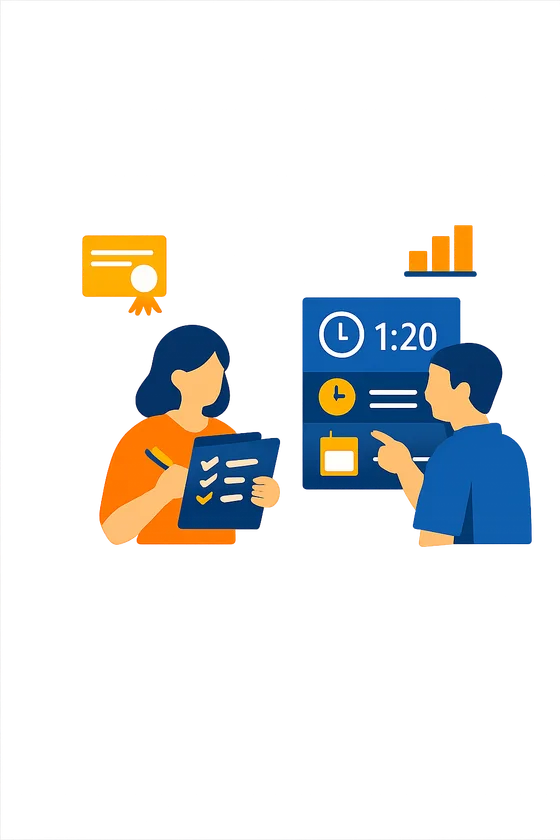
Quiz Maker enforces time limits automatically, so every candidate gets the same testing conditions and you don't have to police the clock. It also helps you run sessions back-to-back when you're testing at scale.

Turn on Timer, then choose a total exam limit (for example, 60 minutes) or set a limit per question for rapid knowledge checks. When time runs out, Quiz Maker submits the attempt based on what the learner has completed.

Timed delivery is common in proctored setups, but it shouldn't raise accessibility issues: plan an accommodations version with an adjusted timer when needed, and document the policy like many campus testing guides recommend (see UConn testing & assessment).

Timed exams with total or question timers

Question pooling and answer shuffling to deter copying

Quiz Maker protects exam integrity by drawing questions from pools and shuffling answer choices, so neighbors (or chat groups) don't see the same sequence. It's a practical control for online exam software when you can't guarantee perfect supervision.

Create a question bank, group items into a pool, then set "draw 30 of 60" (or any number) for each attempt. Switch on Shuffle answers for multiple-choice items so option order changes automatically per candidate.

Randomization isn't magic: it won't stop someone who screenshots and shares later. But it does cut down on simple copying, and it's listed alongside proctoring as a standard mitigation in many university tool roundups (see Illinois Tech proctoring tools).

Question pooling and answer shuffling to deter copying

Results insights you can export and audit fast

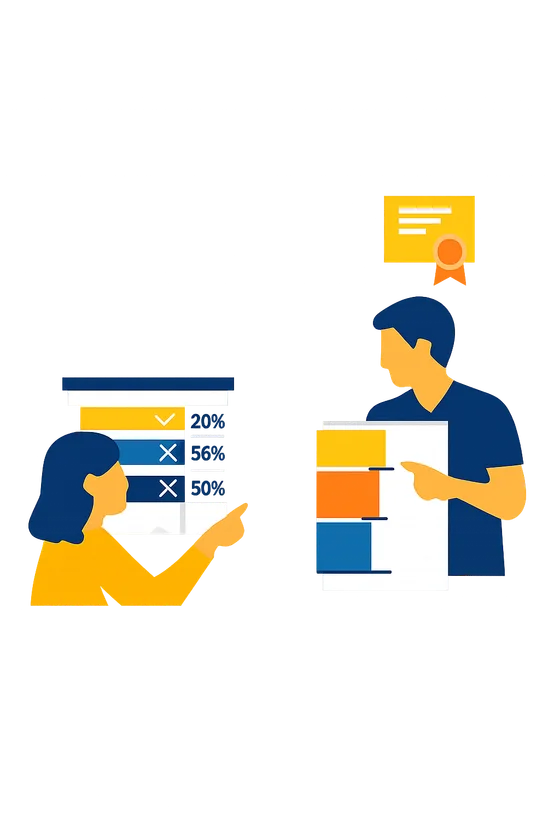
After each attempt, Quiz Maker updates your reporting view with scores, completion status, and where learners struggled, so you can act the same day. That's what you need for cohorts, recert cycles, and make-up sessions.

From the Results area, download a spreadsheet export for your LMS, HRIS, or audit file, then narrow the view to a specific exam, date range, group, or attempt number. You can also review item stats like percent correct and the most-chosen wrong option to spot ambiguous questions fast.

If you're starting from scratch, an AI quiz builder helps you build faster, but the reporting is where you keep the exam defensible over time.

Results insights you can export and audit fast

Branded certificates issued automatically with expiry control

Quiz Maker generates a certificate automatically when someone passes, with your branding and a validity period you control. For online exam software used in training and certification, this means fewer manual emails and fewer "is my credential still valid" tickets.

In Certificates, upload your logo, set the certificate name, choose what fields appear (learner name, score, date), then add an expiry rule (for example, 12 months). As soon as the passing result is recorded, Quiz Maker issues the certificate and keeps it attached to the learner's record.

So your admin team stops chasing PDFs, and candidates get proof of completion right when it matters.

Branded certificates issued automatically with expiry control

How to set up an exam management system that holds up under pressure

Running exams online is easy. Running them fairly and securely takes design. These four practices come from proctoring research and exam integrity studies.

1

Lock the browser, not just the clock

A timer alone doesn't prevent cheating. A systematic review of cheating in online exams found that 64% of students admitted to some form of exam misconduct. Browser lockdown, randomized question order, and randomized answer sequences make it significantly harder to share answers or look things up.

2

Randomize from a larger pool

If every test-taker sees the same 20 questions in the same order, answers will circulate. Build a pool of 40-60 questions and let your exam administration software pull a random subset per session. This is the single most effective anti-cheating measure that doesn't require proctoring technology.

3

Set time limits per question, not just per exam

A 60-minute exam timer means nothing if someone spends 55 minutes on one lookup and rushes the rest. Per-question time limits force test-takers to answer from knowledge rather than research.

4

Run a dry run before the real thing

Inspera's assessment design guide recommends trialing every online exam with a small group before full deployment. You'll catch confusing questions, technical issues, and timer problems before they affect real scores.

Online exam software and exam platform FAQ

What is online exam software?

Online exam software lets you create, deliver, score, and manage tests digitally. It handles question authoring, timing, randomization, auto-grading, and results reporting. Quiz Maker works as exam software for certifications, hiring tests, course exams, and compliance assessments.

How does an online exam platform prevent cheating?

Through layered controls: browser lockdown restricts tab-switching, question and answer randomization prevents answer sharing, per-question timers limit lookup time, and audit trails flag suspicious patterns. Research shows no single measure is enough. Layering is what works.

What is an exam management system?

A system that handles the full exam lifecycle: authoring questions, scheduling delivery, managing test-taker access, auto-grading, issuing certificates, and reporting results. It's exam software that also handles the administration side.

Can I use exam administration software for certification exams?

Yes. Set pass/fail thresholds, issue branded certificates on pass, and maintain a record of every attempt. This is common for certification management programs in regulated industries.

What question types should exam software support?

Beyond multiple choice: ranking, matrix/grid, open text, fill-in-the-blank, and file upload. Variety reduces guessing and lets you test at multiple cognitive levels.

How do I handle accommodations for test-takers with disabilities?

Extend time limits per individual, offer alternative question formats, and ensure your exam platform meets accessibility standards. Fair testing means equal access to demonstrate competency.

Can I embed exams on my website with custom branding?

Yes. White-label embedding with your logo and colors. Responsive iframe or popup embed codes work on any site. Test-takers see your brand, not ours.

Is Quiz Maker free for online exams?

Yes. Build and deliver exams at no cost to start. For advanced features like remote proctoring or identity verification, see exam software paid plans.

What the research says about online exam platforms and exam software

Online exams aren't inherently less secure than in-person ones. But they need different controls. Here's what the evidence shows.

Integrity Research

Proctored exams score 10-15% lower than unproctored ones

That gap isn't because proctored exams are harder. A study in Computers in Human Behavior Reports found that students scored significantly lower on proctored online exams than unproctored ones. The researchers interpreted this as direct evidence that cheating was happening in the unproctored condition. For any online exam platform handling high-stakes certifications or hiring decisions, the implication is clear: some form of integrity control isn't optional. It's what separates a meaningful score from a meaningless one.

Systematic Review

64% of students admit to some form of exam misconduct

That's not a few bad actors. A systematic review of 58 studies on online exam cheating found that nearly two-thirds of students admitted to engaging in misconduct, from sharing answers to using unauthorized resources. The research suggests that effective exam software needs layered controls: randomization, browser lockdown, time limits, and audit trails. No single measure is enough on its own. Think of it like home security: a lock helps, but a lock plus a camera plus an alarm is what actually works.

Assessment Design

Question pools and randomization reduce answer sharing

Research published in the Online Learning Journal looked at what happens when you combine question pool randomization with basic proctoring. The combination eliminated most of the score gap between online and in-person exams. For an exam management system, this means building larger item pools is often more effective than investing in expensive surveillance technology. 40-60 items per exam, randomly drawn, is the practical minimum for integrity.

Student Experience

Fair exams reduce anxiety and increase trust

Proctoring isn't just a security measure. It's also a fairness signal. Research in Higher Education Research and Development found that students who believe the exam is fair and equally enforced experience less anxiety and rate the assessment more positively. That matters because anxious test-takers underperform. Exam administration software that communicates the rules clearly and applies them consistently benefits honest students most of all.

Ready to build yours?

Create your first online exam software for free.